- Daily AI Edge
- Posts
- 🎬 Luma Launches AI Studio with Wonder
🎬 Luma Launches AI Studio with Wonder
+ Launch a KDP Publishing Business Using Book Bolt 🤖

Leo Grundström
April 17th, 2026
Today’s menu 🍽️👇️
Length: 5 minutes ⏰
Luma Launches AI Studio with Wonder 🎬
OpenAI Upgrades Codex to Fight Claude 🤖
Google Adds Side-by-Side AI Mode 🔍
Design Faster with Canva’s Tool-Using AI ⚡
Build your own Amazon book business 🔥
Prompt of the week 💬
Top AI tools of the week ⚒️
FRESH AI NEWS
Luma Enters AI Production with Wonder 🎥

Luma AI has teamed up with Wonder Project to launch an AI-powered production studio, targeting high-quality, values-driven content at scale 🎬
Luma is building a full-stack production pipeline using its generative video models to create films, shows, and digital content 🤖
The studio leverages AI for script development, scene generation, editing, and visual effects, reducing traditional production costs 🧠
AI cuts down production timelines and budgets, making niche content (like faith-based media) more scalable 💸
Instead of generic entertainment, they’re targeting a specific, loyal demographic, a smarter go-to-market strategy 🎯
Why You Should Care: AI video is not gone; it's becoming more focused and strategic. Instead of trying to appeal to everyone, like Sora did, Luma is targeting a specific audience, reducing costs, and speeding up production. This approach is how you create a lasting media business using AI.
OpenAI Expands Codex Beyond Coding 🚀

OpenAI just supercharged Codex into a true desktop agent, it can now click, type, and operate apps on your computer, directly targeting Anthropic’s Claude Code 🤖
Codex can now open apps, click buttons, and type like a human using a virtual cursor, even in apps without APIs 🖱️
Multiple AI agents can work in parallel on your machine while you continue using it normally ⚙️
Codex includes an in-app browser to execute tasks on web apps (testing, automation, frontend work) 🌐
It can now remember your workflows, preferences, and past tasks, improving over time 🧠
New plugins connect Codex to tools like GitLab, Microsoft apps, and project management systems 🔌
Why You Should Care: We're moving from AI that just writes code to AI that actually performs tasks on your computer. We're now in the "computer-use agent" era, where AI not only helps but also completes entire workflows. The main competition now is about who controls your desktop, as that means they control your workflow.
Google Lets You Explore Web with AI 🤝

Google is upgrading Search with a split-screen AI Mode, letting users chat with Gemini while simultaneously browsing websites, merging answers + sources in one interface 🌐
Search now shows AI Mode on one side and live web pages on the other, so you can explore without leaving the conversation 🖥️
Users can click links, read articles, and compare sources while the AI continues assisting in parallel 🔍
Gemini maintains context across both panes, meaning it understands what you’re reading and can refine answers instantly 🔄
Ideal for tasks like deep research, comparisons, and decision-making, where switching tabs used to slow you down 🧠
Why You Should Care: Google is addressing a major problem with AI chat: the lack of transparency and sources. By integrating AI with real web browsing, you receive answers along with evidence simultaneously. This strategy challenges standalone AI apps, making Google more difficult to replace since it controls both the AI model and the internet platform.
Canva’s AI Builds Designs for You 🚀
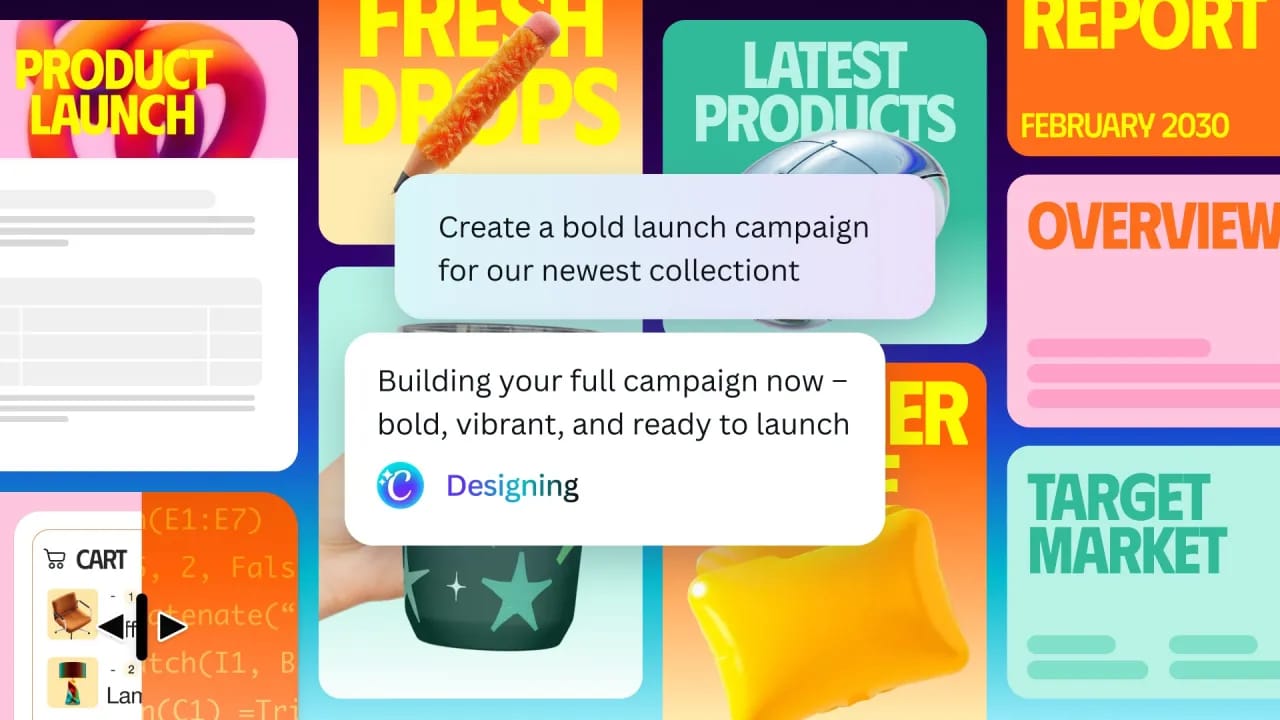
Canva just turned its AI into a true “agent”, you describe what you want, and it automatically picks and uses the right tools to build the design for you 🎨
Instead of manually selecting features, Canva’s assistant can now plan tasks and call multiple tools on its own to generate designs 🤖
It can combine image generation, layout design, text writing, and editing tools into one workflow, automatically 🛠️
You just describe your goal (“create Instagram carousel for my product”), and it produces fully editable layouts with layers 🧠
It can pull context from tools like Google Drive, Slack, Gmail, and even browse the web to inform designs 🔗
Why You Should Care: From design tools to design agents Before: You picked tools → you designed Now: You describe what you want → AI does it Canva is turning into a "creative operating system," not just a tool.
GROW YOUR AMAZON BOOK SALES
Launch a KDP Publishing Business Using Book Bolt 🤖
In this tutorial, you’ll learn how to create and publish your own books on Amazon by combining the research and design tools inside Book Bolt with the global distribution of Amazon KDP. The result? A streamlined publishing workflow that lets you design, upload, and sell books without handling inventory. Perfect for creators, entrepreneurs, or anyone exploring a creative side project ✅
Here’s how to get started 👇️
Research Your Niche in Book Bolt
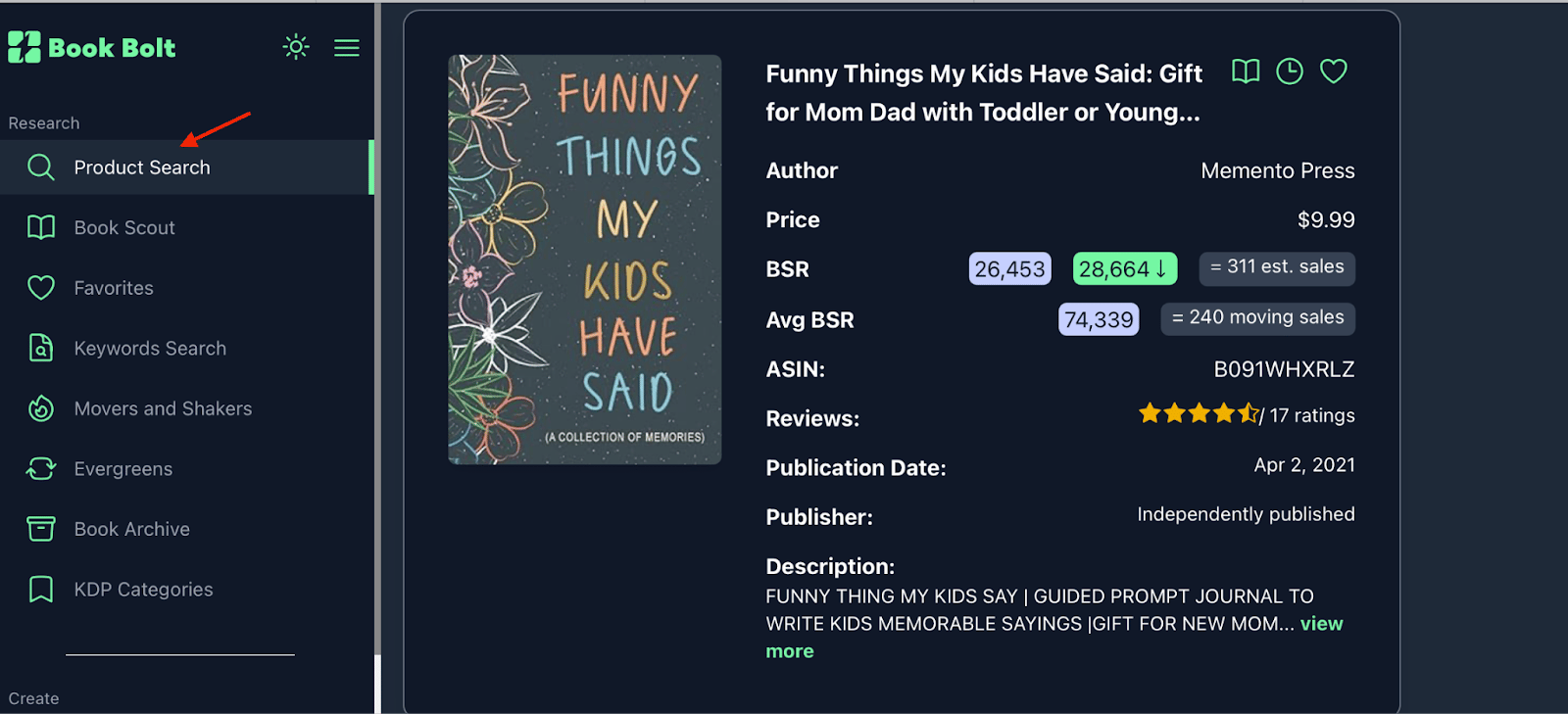
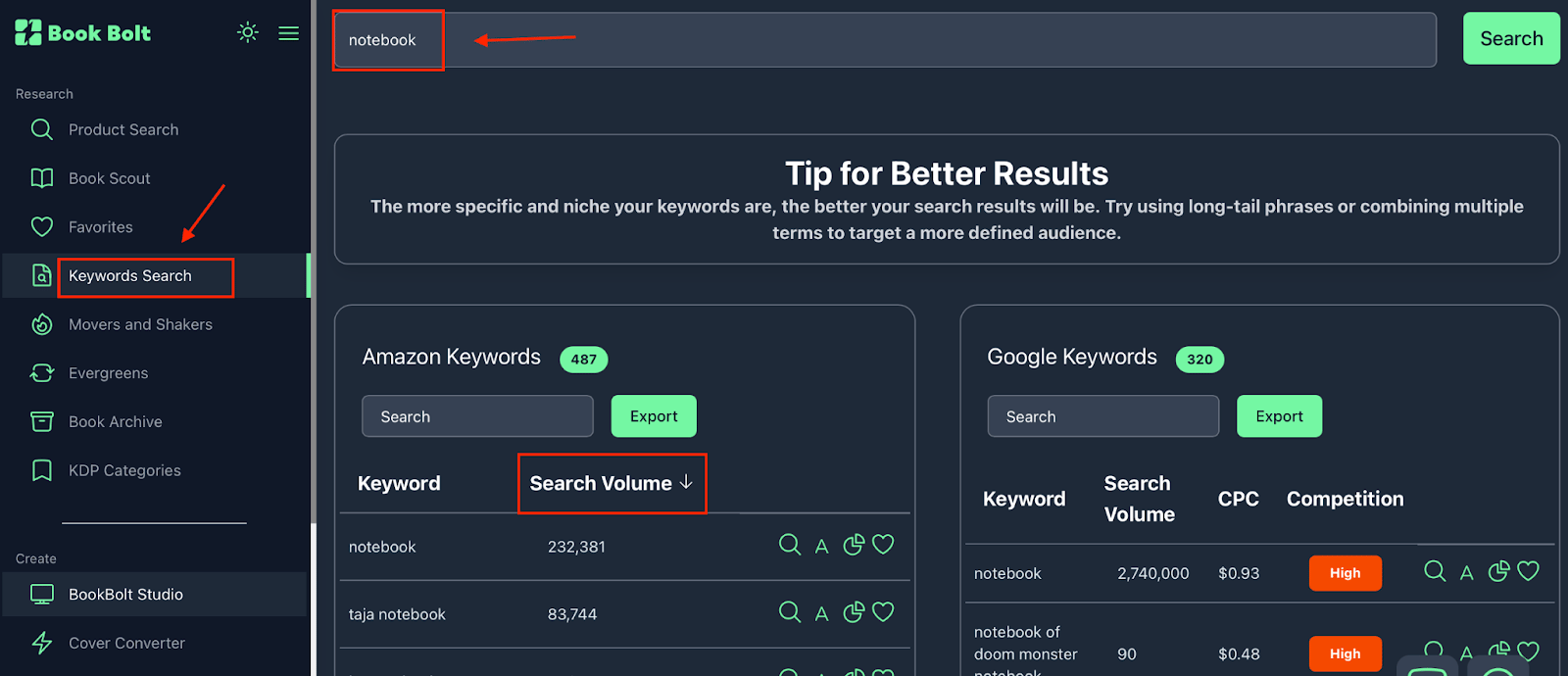
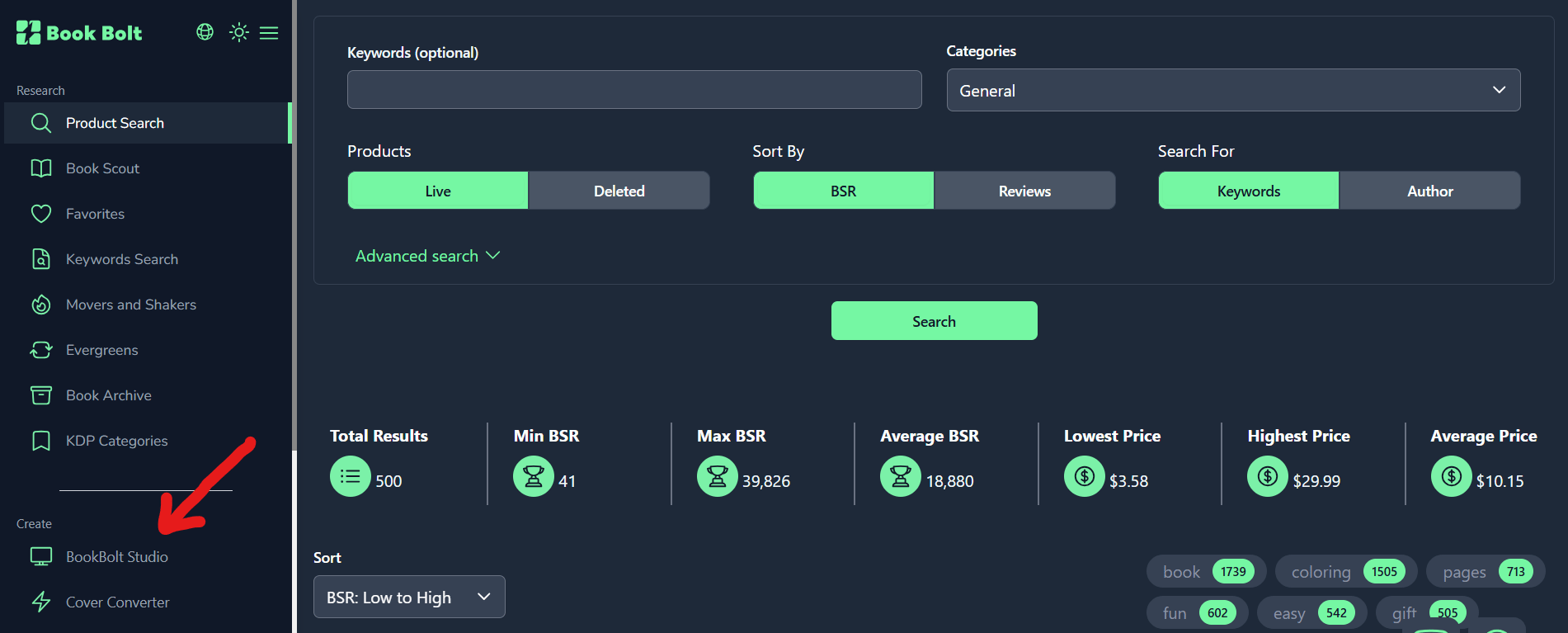
Head to Book Bolt, open the “Product Search” tool, and start exploring categories like notebooks, journals, or planners. Analyze estimated monthly sales, competition levels, and keyword demand. This helps you identify what people are already buying on Amazon and where opportunities exist.
Create Your Book
Go to Book Bolt Studio and start designing your product. Choose a format such as a notebook, journal, or planner, and use the built-in templates to create both the cover and interior. The interface is beginner-friendly, so you can quickly put together a clean and functional design.

Upload to Amazon KDP
Head over to Amazon KDP and start a new book project. Upload your interior and cover files, then fill in details like title, keywords, and categories. Book Bolt’s research tools can help you choose relevant keywords and position your book effectively.

Understand How Fulfillment Works
Once your book is live, Amazon handles everything behind the scenes. When a customer places an order, Amazon prints the book, ships it, and delivers it. As the publisher, you earn a royalty from each sale without managing inventory or logistics.
Review and Optimize
After publishing, monitor your book’s performance. You can update keywords, improve your title, or refine your cover design over time. Small optimizations can help improve visibility and reach more potential buyers.
Pro Tip: Focus on what’s already working in the market. Use Book Bolt to identify top-performing niches, then create a slightly better or more targeted version. Matching your design and keywords to real demand makes your book more relevant and increases its chances of being discovered ✨
Coupon Code: LEO20
The best place on the Internet to learn about AI! 🌐 🤖

I just started my own X page where I provide AI news, guides, hacks and more (for FREE)!
We don’t miss a day, that means you get the most recent AI news, practical workflows, expert guides and premium content everyday.
TOOLS OF THE WEEK
These AI tools are going VIRAL 🐝
Harvey Agents - Legal AI agents for memos, diligence reports, and more 🤖
Lovable Payments - One-chat setup for adding payments to AI-built apps 🚀
Codex - OAI’s app interface for managing coding agents, now on Windows 🧮
Grok Imagine - xAI's image and video generation platform 🌌
Warm regards,
Leo Grundström / Founder of Daily AI Edge
Reply